Sales Dashboards: A Field Guide to the Ones That Actually Get Used

No time to lose? Summarize with AI
ChatGPT
Claude
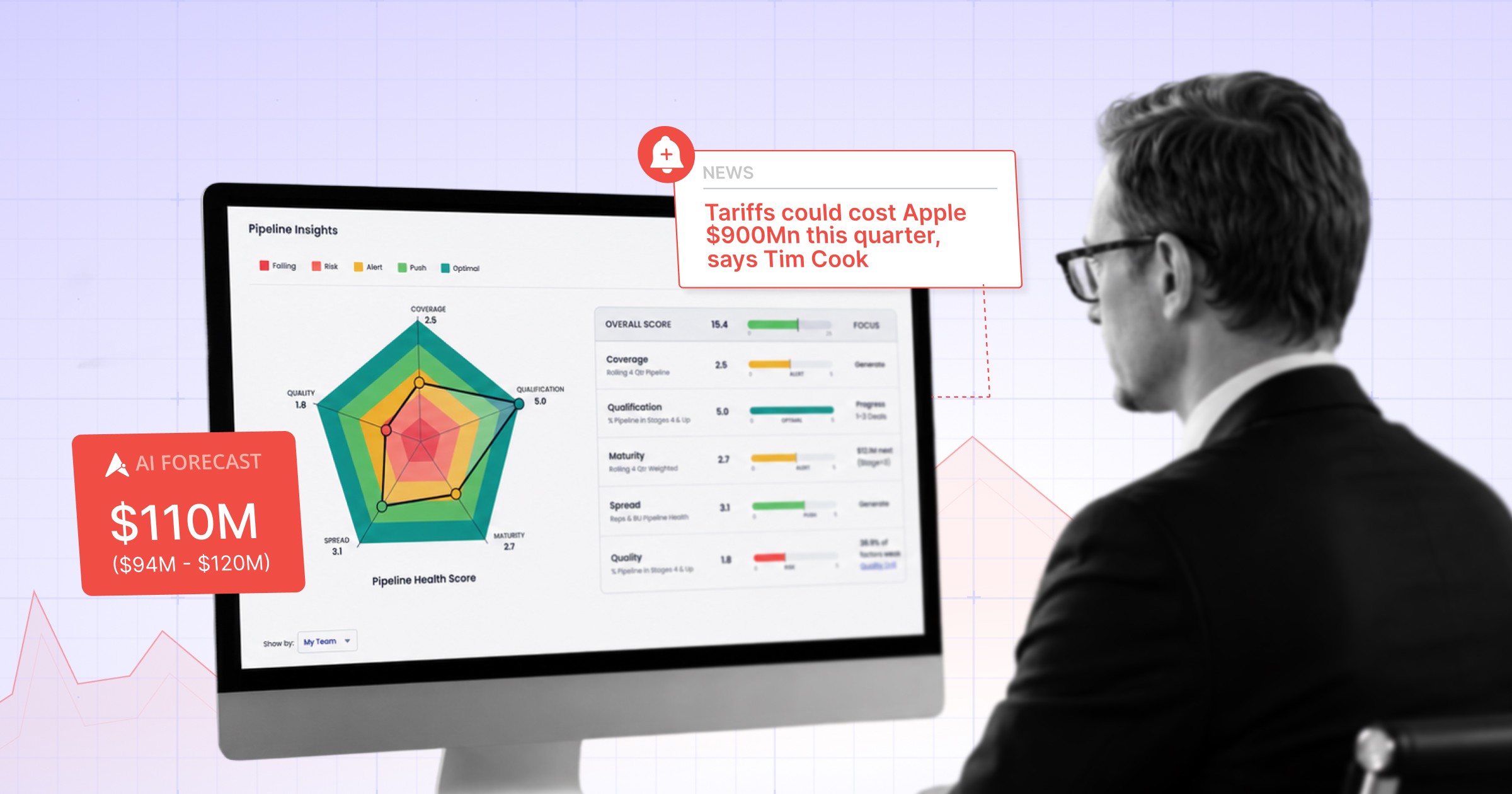
Walk through any sales floor. Count the dashboards on the monitors. Now count the dashboards reps actually use to plan their week.
The gap is the problem.
A sales dashboard is supposed to be a tool of leverage. A way for a leader to see the business at a glance. A way for a rep to know what to focus on. A way for the team to align without a meeting. Most sales dashboards never get there. They get built, get celebrated, get bookmarked, and then quietly stop being opened.
The half-life of a sales dashboard, in most companies, is one quarter.
Knowing why that is the case is the difference between a dashboard that runs the business and one that decorates it.
A working definition
A sales dashboard is a real-time visual summary of the metrics a sales team uses to plan, manage, and forecast performance.
That is the dictionary version. The operator version is sharper.
A sales dashboard is the answer to a question a sales leader keeps asking. Pipeline coverage by stage. Win rate by segment. Quota attainment by rep. Forecast accuracy by manager. Each panel is a question. The dashboard works when the answers change behavior the same week.
If a panel answers a question nobody is asking, the panel is decoration.
Why most sales dashboards stop getting opened
Three patterns explain almost every dead dashboard.
The first is that the panel answers a question nobody is actually asking. It was built because a tool made it easy to build, or because a leader saw a slick example, not because a real recurring question existed.
The second is that the panel answers the right question with the wrong granularity. The leader needs forecast accuracy by rep. The dashboard rolls up to the team. The leader stops opening it.
The third is that the panel answers the right question with stale data. The numbers refresh nightly. The deals move hourly. By the time the rep looks, the deal has moved.
A panel that hits any one of these three slides from daily-open to never-open inside a quarter.
The seven sales dashboards that actually earn their place
Most sales orgs do not need fifteen dashboards. They need seven, used in different ways by different people.
1. The pipeline coverage dashboard. Are we on, ahead, or behind the coverage we need to hit the quarter? Refreshed daily. Owned by the leader.
2. The forecast accuracy dashboard. What did we call last quarter, what did we close, what was the variance, and where did it come from? Refreshed weekly. Owned by the leader and the front-line manager.
3. The deal risk dashboard. Which deals have crossed a risk threshold this week and need a manager-level intervention? Refreshed daily. Owned by the manager.
4. The rep performance dashboard. How is each rep tracking on activity, conversion, and quota, with the inputs that explain the output? Refreshed weekly. Owned by the manager.
5. The segment performance dashboard. Which segments, products, or motions are converting above or below plan? Refreshed monthly.
6. The rep daily focus dashboard. What does this rep need to do today, in priority order, with context attached? Refreshed in real time. Owned by the rep.
7. The board dashboard. What does the board see for revenue, growth, and pipeline health? Refreshed monthly. Owned by the leader.
If a dashboard does not slot into one of these seven roles, it is overhead.
The half-life problem
Every dashboard has a half-life. The half-life is the time between when the dashboard was launched and when the median user stops checking it.
Strong dashboards have a half-life of multiple years. They get embedded in the weekly cadence. They become the artifact the team aligns around.
Weak dashboards have a half-life of one quarter. They get built for a launch, walked through in an all-hands, ignored by week six.
The trick to building dashboards that last is not better visualization. It is better question selection. The questions that hold attention are the ones a leader needs to answer every Monday.
Visualization is downstream of question selection. Pretty charts on the wrong question still get ignored.
The shift that is changing what a sales dashboard is
For twenty years, a sales dashboard was a place to look. The platform showed the number. The user interpreted the number. The user decided what to do.
That model is starting to break.
The signal a modern sales team generates (calls, emails, calendar, intent, product usage, conversation analysis) is too high-volume for a human to interpret in chart form. The dashboard becomes a wall of panels. The user opens it once and leaves.
The new model is interpretive. The dashboard reads the signal, identifies what changed and why, names the specific deals and reps that drove the change, and recommends what to do next. The number is the entry point. The interpretation is the product.
This is the difference between a dashboard you read and a dashboard that reads you back.
Five rules for building sales dashboards that last
Start with the question. Not the data. Write down the question the dashboard answers, in one sentence. If the sentence does not write itself cleanly, the dashboard is not ready to be built.
Tie each panel to an owner and a cadence. If no one owns the panel, no one reads it. If no one reads it daily or weekly, do not refresh it daily.
Set a stop-using-it threshold. If the panel has not been opened by its owner in two weeks, archive it. Dashboards do not improve by accumulating. They improve by editing.
Make the interpretation explicit. Do not just show the number. Show the change, the cause, and the recommended action whenever the platform can produce one.
Treat the dashboard as a feedback loop, not a destination. The dashboard should produce a Monday meeting, a coaching action, or a deal intervention. If it does not, it is not earning the rent.
The dashboards a sales team should not build
Three categories of dashboard that consistently get built and consistently get ignored.
The activity vanity dashboard. Counts calls, emails, and meetings without tying them to conversion. Reps see this for a month, then stop, because activity volume is not what makes them better.
The forecast confidence dashboard with no underlying math. Shows a confidence score that the platform cannot defend if a leader asks where it came from. Stops being trusted by week three.
The competitive intelligence dashboard nobody updates. Built once during a category fight. Goes stale in six weeks. Becomes a meme on the team.
If you find these in your stack, archive them. Free up the attention budget for the seven dashboards that earn it.
See What a Sales Dashboard Looks Like When It Reads You Back
If your team has more dashboards than weekly meetings, the dashboards are not the asset. They are the audit trail.
Aviso is the AI-native revenue intelligence platform that converts the dashboard layer into a decision layer. Forecast accuracy with the variance explained. Deal risk with the recommended intervention attached. Pipeline coverage with the manager who needs to act named. One platform your frontline leaders run the business from on Monday morning, not a wall of charts they bookmark and forget.
Stop building dashboards that get ignored. Start building a decision layer that gets used.
Book a 30-minute demo of Aviso →
In the demo, you'll see how Aviso replaces the seven dashboards that matter with one interpretive platform, where your half-life problem actually sits, and what one quarter of decision-layer dashboards looks like in real numbers.
Frequently Asked Questions
What is a sales dashboard?
A sales dashboard is a real-time visual summary of the metrics a sales team uses to plan, manage, and forecast performance. The strongest sales dashboards are organized around the recurring questions a leader, manager, or rep asks each week (pipeline coverage, forecast accuracy, deal risk, rep performance) and tie each metric to an owner and a cadence so the dashboard actually changes behavior.
What are the most important sales dashboards to build?
Seven sales dashboards cover the operational needs of most B2B sales orgs: pipeline coverage, forecast accuracy, deal risk, rep performance, segment performance, rep daily focus, and the board dashboard. Each is owned by a different role and refreshed on a different cadence. Dashboards outside these seven categories tend to accumulate without producing a recurring decision.
What is the difference between a sales dashboard and a sales report?
A sales dashboard is a live, visual view of metrics that update continuously. A sales report is a static snapshot delivered on a cadence (weekly, monthly, quarterly). Dashboards are designed for ongoing operational use. Reports are designed for stakeholder communication. Many teams confuse the two and build static dashboards or live reports, which is why both formats often go unused.
What KPIs belong on a sales dashboard?
The KPIs that consistently belong on a sales dashboard are pipeline coverage ratio, forecast accuracy, deal risk count, win rate by stage and segment, average deal size, sales cycle length, quota attainment by rep, and pipeline generation by source. Adding KPIs beyond these eight usually dilutes attention. Removing any of the eight usually creates a blind spot.
What is the best sales dashboard software?
The best sales dashboard software depends on the question being asked. For native CRM dashboards, Salesforce and HubSpot are the foundation. For general BI dashboards, Tableau, Power BI, Qlik, and ThoughtSpot lead. For revenue-intelligence dashboards with built-in forecasting and deal risk interpretation, Aviso, Clari, and Gong are the strongest options. The right choice depends on whether the team needs a chart layer or a decision layer.
How do you make a sales dashboard people actually use?
Five rules. First, start with the question, not the data. Second, tie each panel to an owner and a cadence. Third, set an archive threshold so panels that go unused get retired. Fourth, make the interpretation explicit, not just the number. Fifth, design the dashboard to produce a recurring meeting, coaching action, or deal intervention. A dashboard that meets these five criteria typically holds its audience for years instead of weeks.
Why do sales dashboards stop being used?
Three patterns explain almost every dead sales dashboard. The panel answers a question no one is actually asking. The panel answers the right question with the wrong granularity. Or the panel answers the right question with data that refreshes too slowly to be useful. A panel that hits any of the three goes from daily-open to never-open inside a quarter.
What is an AI sales dashboard?
An AI sales dashboard goes beyond charting numbers. It reads the underlying signal across CRM, conversations, calendars, and intent data, identifies what changed and why, names the deals and reps that drove the change, and recommends a next action. The number becomes the entry point. The interpretation is the product. AI sales dashboards represent the shift from a dashboard you read to a dashboard that reads you back.
How does Aviso change what a sales dashboard does?
Aviso turns the sales dashboard from a passive chart layer into an interpretive decision layer. Instead of showing a forecast number, Aviso shows the rep-call forecast, the data-supported forecast, the variance between the two, the deals driving the gap, and the recommended actions to close it. Instead of showing pipeline coverage, Aviso shows where the coverage is at risk, why, and which managers need to intervene this week. The dashboard becomes operational because the interpretation is built into the platform, not left to the analyst.
Can Aviso replace our existing sales dashboards in Salesforce or Tableau?
For revenue motion dashboards (forecasting, deal risk, pipeline coverage, rep performance, segment performance), Aviso replaces the Salesforce or Tableau dashboards most teams maintain by hand. For raw data exploration or non-revenue dashboards, Salesforce reports and BI tools still serve a purpose. Teams that consolidate the revenue motion dashboards onto Aviso typically reduce dashboard maintenance time by sixty to eighty percent, because the platform interprets the signal instead of requiring an analyst to build a new view for every question.
Read More Like This
